
Two audiences land on this page: people setting up a new account, and people who can’t get into an existing one. Both are covered below without making you scroll through the wrong section.
If you’re here because a login attempt just failed — jump to the ‘Login problems’ section. If you’re starting fresh, the registration walkthrough is first.
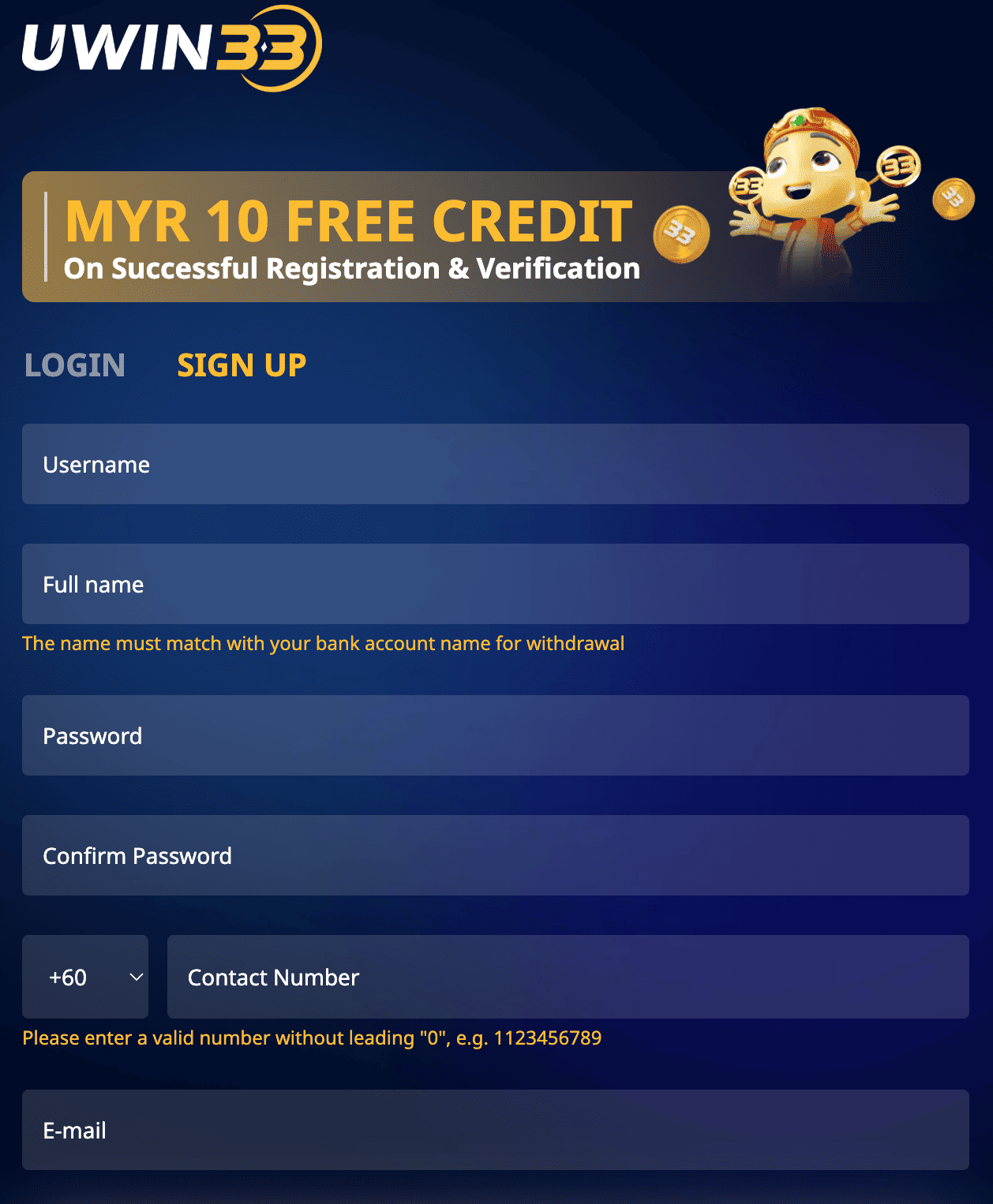
UWIN33 accounts are phone-number based. No email required. The registration form asks for a Malaysian mobile number, a password, and nothing else at this stage.
Registration does not require any documents. KYC comes later, only when you make your first withdrawal request.
Go to u-win-33.my, click Login, enter your phone number and password. If ‘Remember this device’ is checked, you stay logged in for 7 days. The session cookie expires after that — you’ll need to log in again.
The UWIN33 app supports biometric login — fingerprint on Android, Face ID on iPhone. After your first manual login in the app, go to Account Settings → Security → Enable Biometric Login. Every session after that: open app, touch sensor, in. Full app setup on the App page.
Most common cause of login failures. UWIN33 passwords are case-sensitive. If caps lock was on when you set the password, it needs to be on to log in. Check that you’re entering the phone number in the correct format — with the country code if the field requires it.
The whole process takes under 3 minutes. If the OTP doesn’t arrive after 90 seconds, check that you entered the number correctly, wait 2 minutes, then request a resend.
UWIN33 temporarily locks accounts after 5 consecutive failed login attempts — a security measure against brute-force attempts. The lock lifts automatically after 15 minutes. If you need access sooner, contact live chat with your phone number and they’ll manually verify and unlock.
If you no longer have access to the registered number, account recovery requires identity verification. Contact live chat and provide your MyKad number, registered name, and last known deposit amount. Recovery via this route takes 30–60 minutes depending on verification queue.
Some Malaysian ISPs intermittently block casino-related domains. If u-win-33.my won’t load: try uwin33.asia, uwin33.com, or uwin33.pro. If all are blocked on your home network, mobile data typically bypasses ISP-level domain filters. Using a reputable VPN also resolves this — choose one that doesn’t log traffic.
KYC (Know Your Customer) is identity verification. It unlocks your first withdrawal. It is required — there is no way around it on a licensed platform. The eGaming licence that UWIN33 operates under mandates player identity verification before real-money payouts.
Documents submitted between 9am–9pm MYT are reviewed within 2–4 hours. Our submission on a Thursday at 3:12pm was approved at 5:47pm. After-hours submissions are processed by the following morning.
Photo quality is the most common reason for KYC delays. Take photos in good lighting, flat surface, all four MyKad corners visible. A blurry photo costs you an extra 24 hours — it’s worth taking 30 seconds to get it right.
2FA adds an SMS OTP to every new-device login. Once enabled, someone who has your password still cannot log in from an unknown device without also having your phone.
Enable it: Account Settings → Security → Two-Factor Authentication → On. Costs 5 seconds per new-device login. Worth it.
2FA is aligned with OWASP account security recommendations for online platforms handling financial accounts.
After registration and login, your wallet shows MYR 0. To fund it and activate the welcome bonus:
Full breakdown of what the welcome bonus is worth and how the wagering works: Bonuses page.